Item Vault Inventory Plugin for Godot 4
Build item data, drops, pickups, inventory, shops, and saves around one stable item identity.
ItemVault is a commercially licensed GDScript plugin for Godot 4.4+. Define an item once, use it in drop tables and world pickups, store it in inventory, and persist it by stable ID. Use the complete pipeline or integrate only the modules your project needs.
ItemVault 1.0.0 • Godot 4.4+ • GDScript • 2D and 3D • No required autoloads • Source included
Core Systems
- Shared item data:
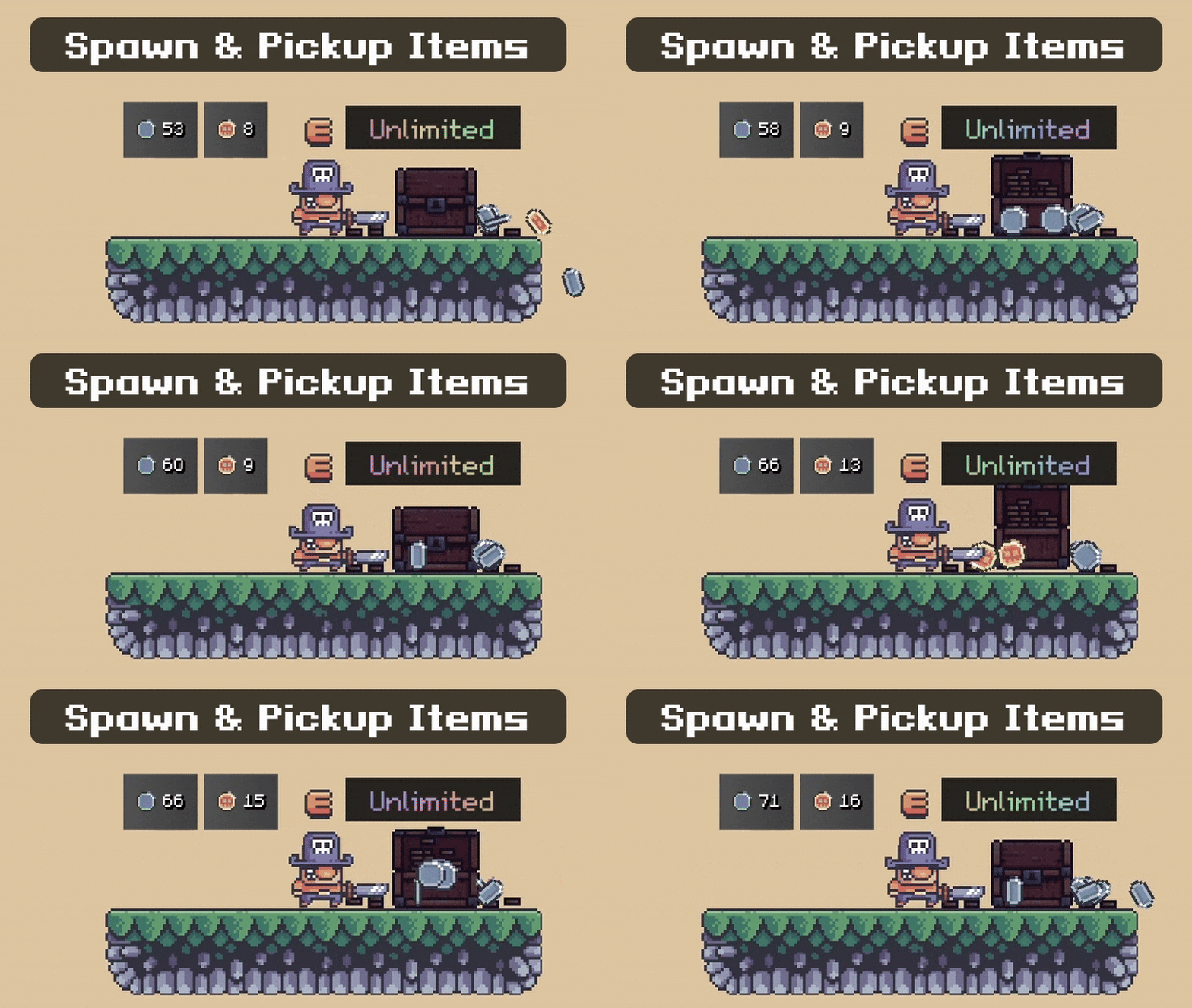
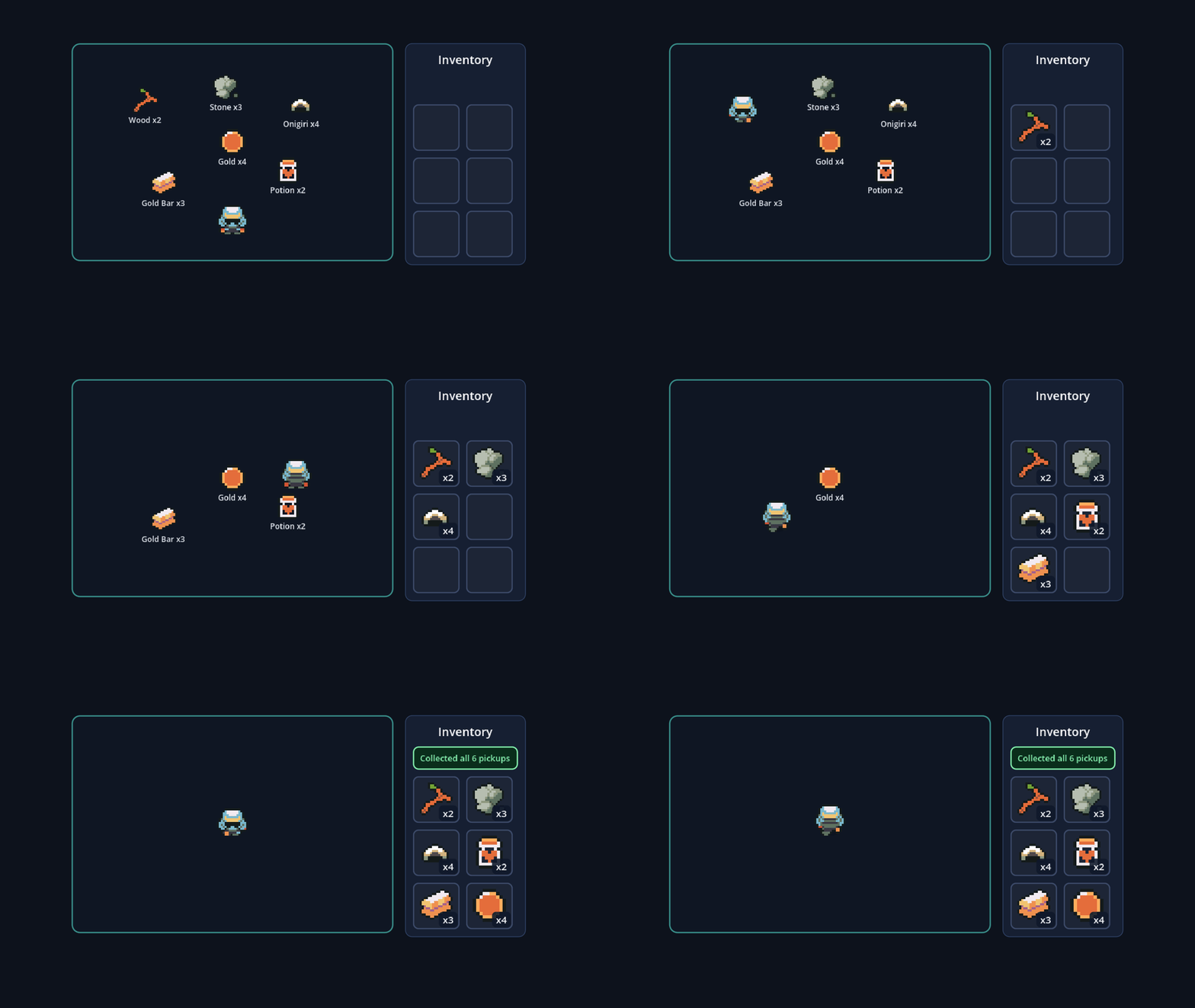
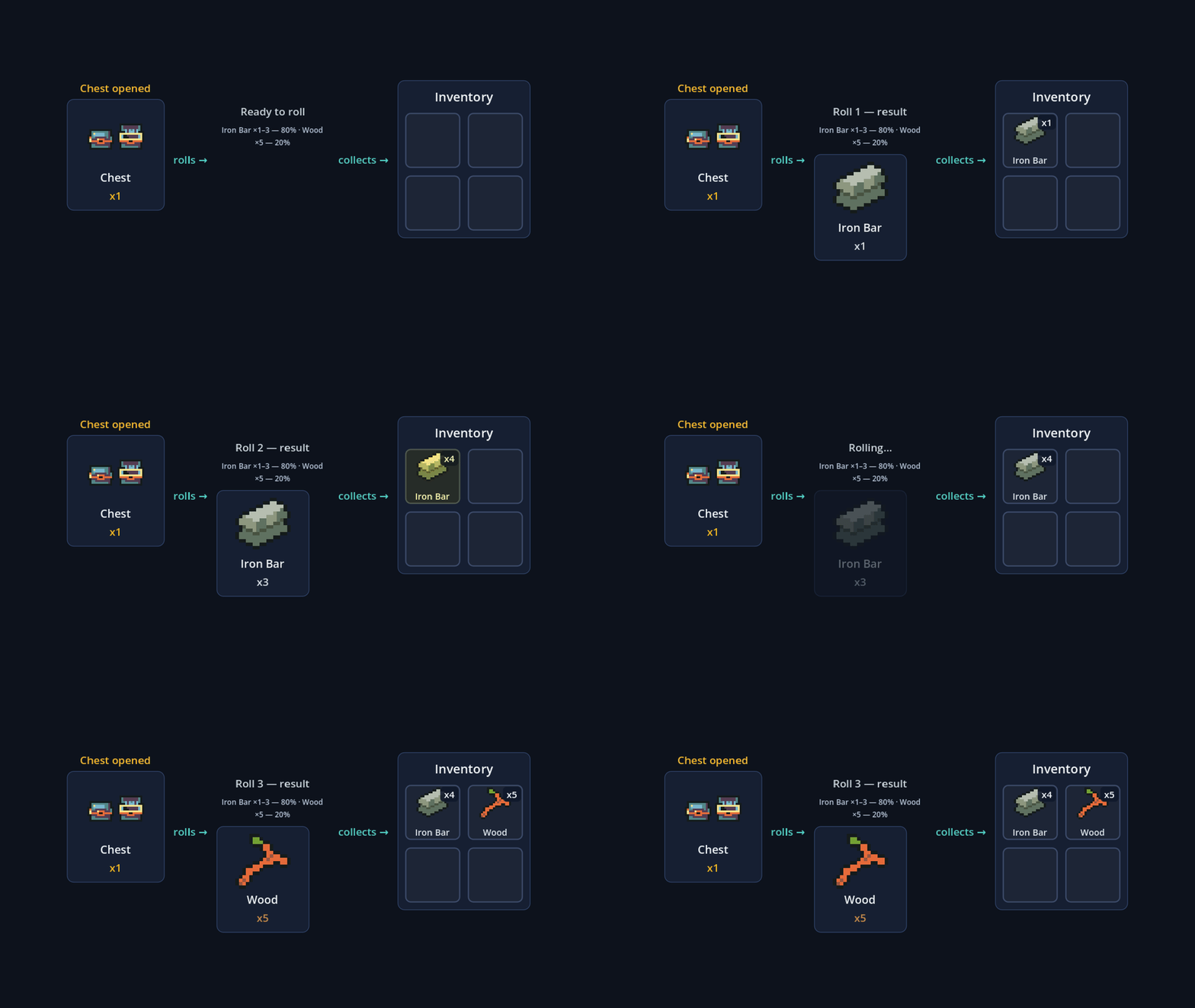
ItemDefinition,ItemStack, andItemDatabasegive drops, pickups, inventory, and save data the same stable identity. - Item-aware drops and pickups: build weighted drop tables, assign preplaced pickup contents in the inspector, spawn world items in 2D or 3D, and collect them through matching event-driven collectors.
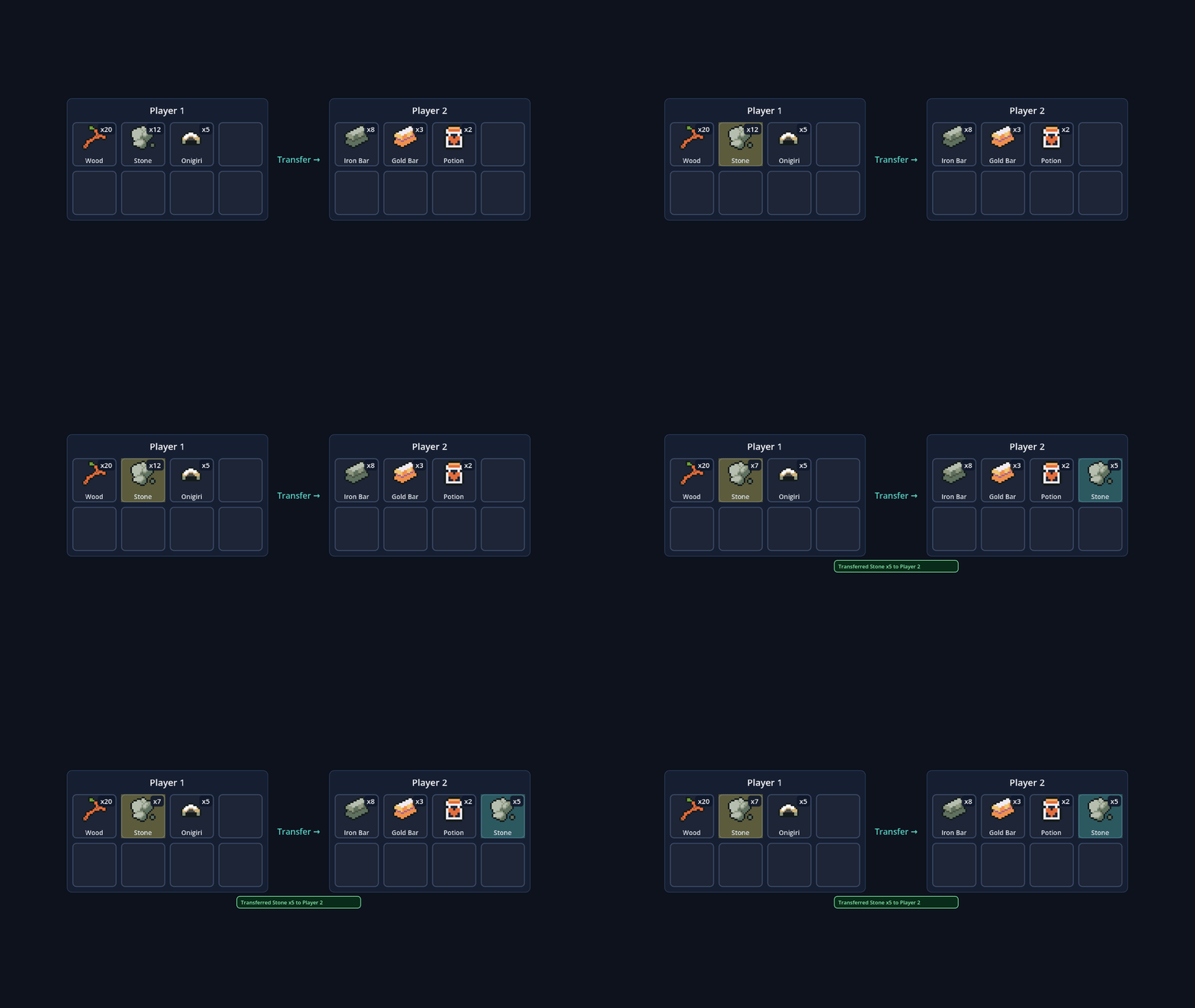
- Inventory building blocks: free-list and slot-based containers, stacking, overflow handling, weight and capacity rules, wallet currencies, typed queries, transfers, and atomic transactions with rollback.
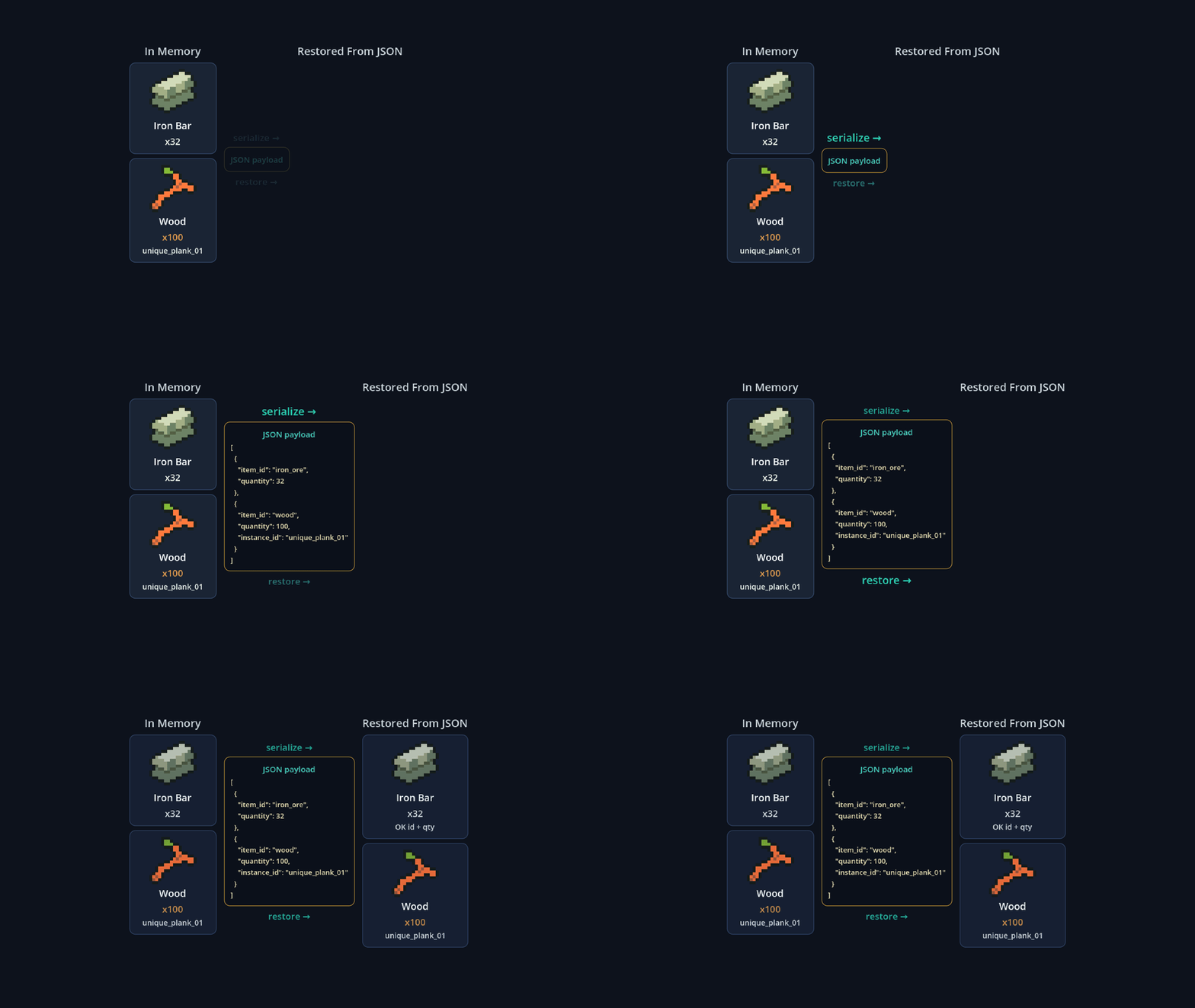
- Versioned persistence: JSON saves use stable item IDs instead of resource paths, with a save-version guard and documented handling for removed IDs.
- Scene-owned integration: add
ItemVaultRuntimewhere the item pipeline belongs, enable automatic collector wiring when useful, or compose the underlying services yourself. No global autoload is forced. - Backend-neutral contract: typed commands, result codes, snapshots, and reservations support projects that need a replaceable inventory backend.
Current 1.0 Scope
2D: point spawning, shape-edge spawning, launch force, move-on-spawn, pickup collection, and pickup-to-inventory routing.
3D: point spawning, move-on-spawn, pickup collection, and pickup-to-inventory routing.
Not included in 1.0: 3D shape-edge and launch-force convenience spawners. Hotbar and equipment UI remain game-owned rather than being imposed as plugin APIs.
Included Demos and Guides
Seven scene-first demos cover:
- JSON inventory save/load round-trip
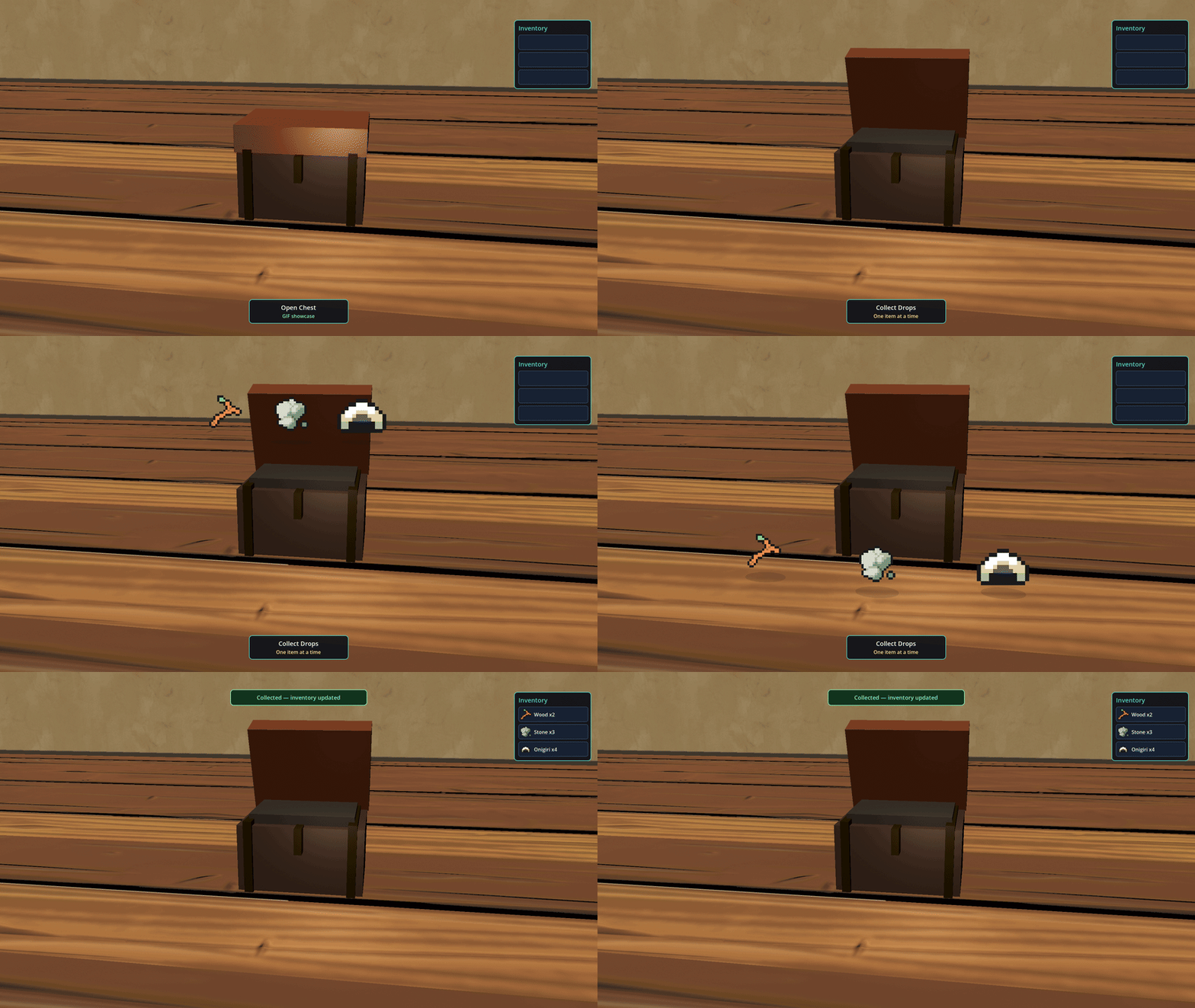
- Drop table and chest drops
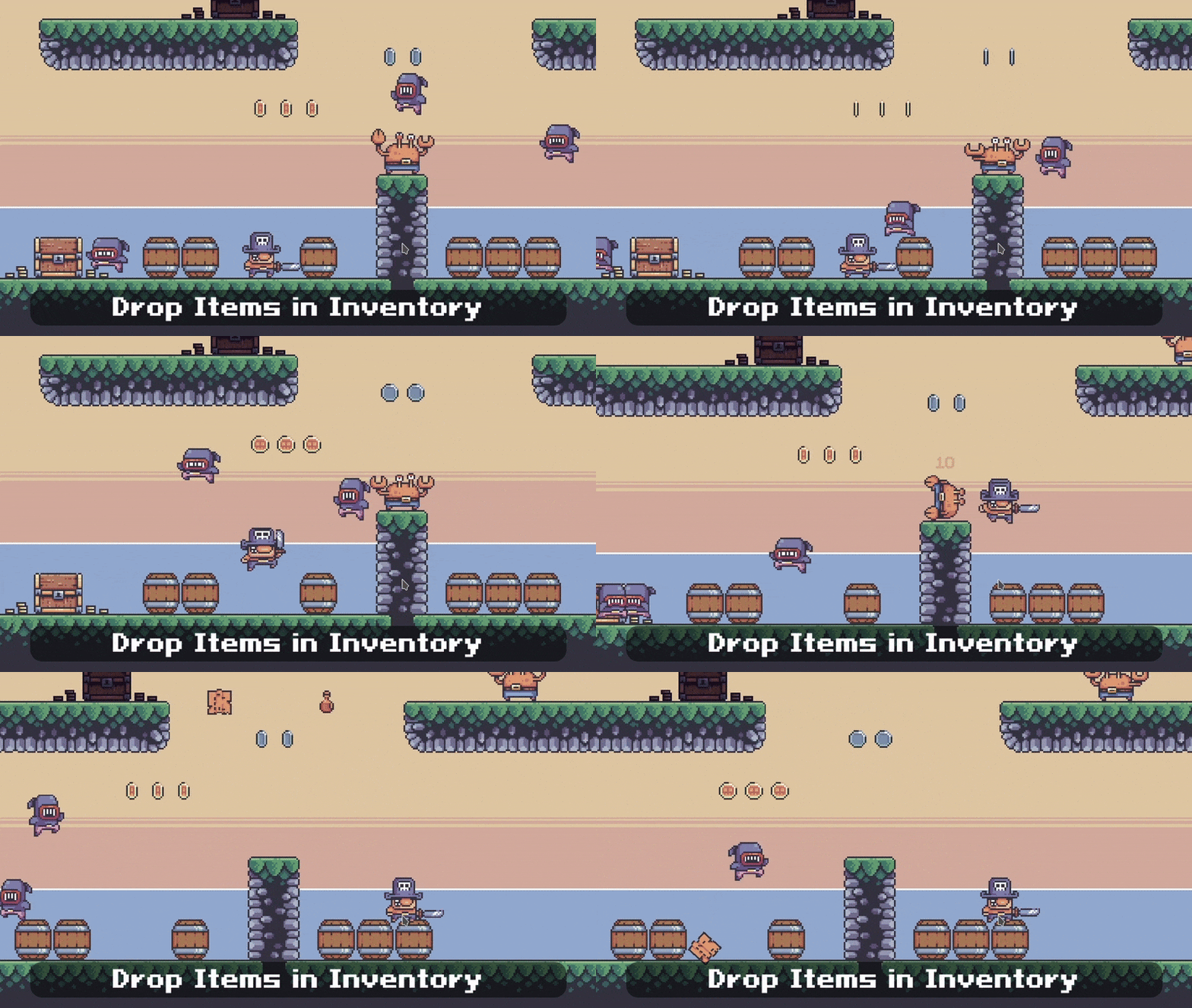
- Inventory transfer between containers
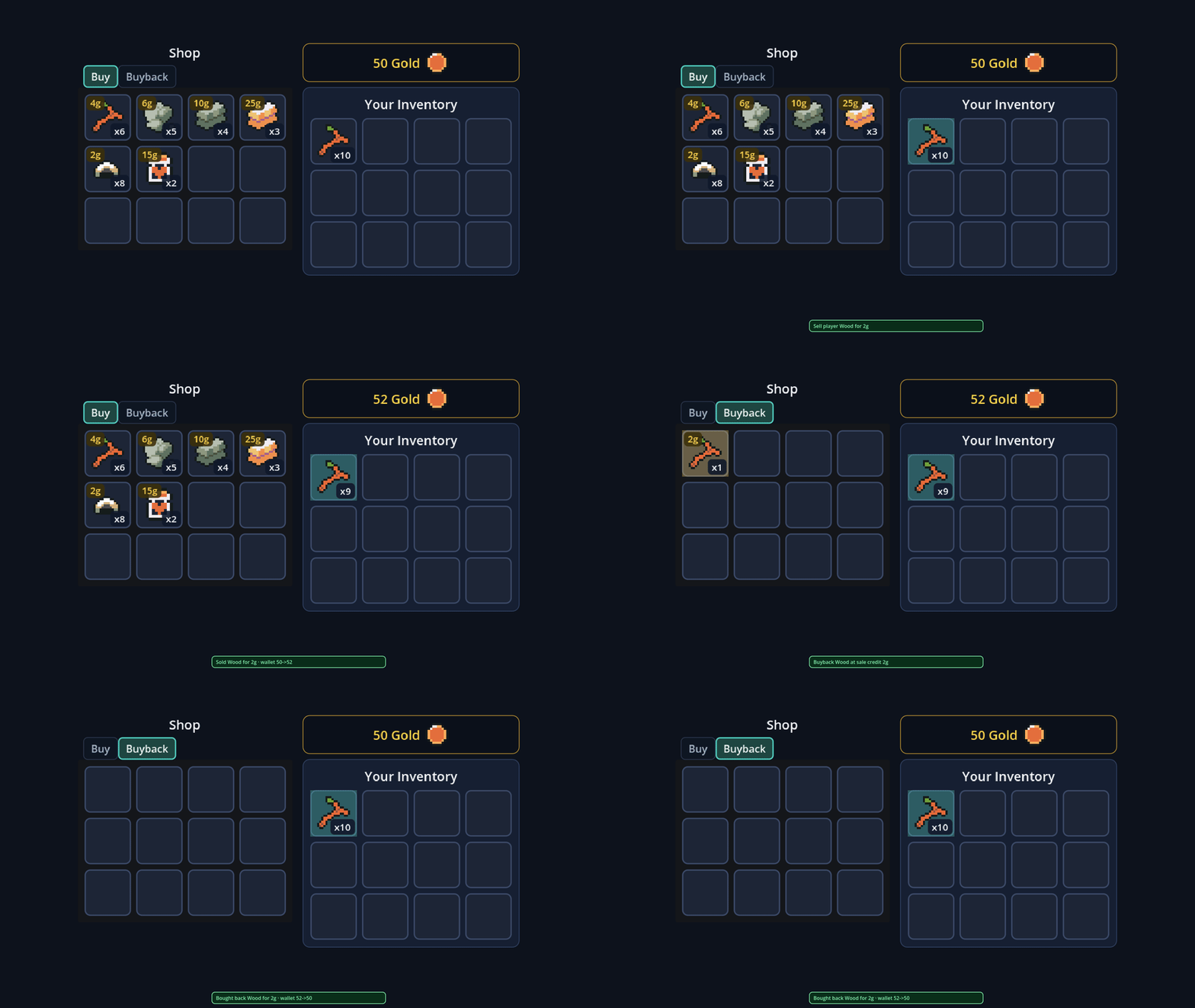
- Shop buy, sell, and buyback transactions
- 2D pickup-to-inventory routing
- 2D point, shape-edge, and launch-force spawning
- 3D chest drops and pickup-to-inventory routing
Each demo authors its UI hierarchy in .tscn, so you can inspect the scene before pressing Play. Eight focused guides cover item data, drop tables, runtime wiring, saves, dimension-neutral handling, and common integration questions.
Getting Started
- Copy
addons/item_vault/tores://addons/item_vault/. - Enable ItemVault under Project Settings → Plugins.
- Create
ItemDefinitionresources with stable IDs and optional world scenes. - Add
ItemVaultRuntimeto the scene that owns the item pipeline, then enable only the pickup and inventory routing your project needs.
Compatibility and Validation
- Godot: 4.4 or later; the compatibility matrix covers 4.4 and 4.7.1.
- Language: GDScript. No C#, Rust toolchain, or GDExtension is required to use the Godot plugin.
- Reference backend: an optional Rust reference implementation is included for teams evaluating the backend-neutral contract.
- Release evidence: 331 automated tests across 44 test files, seven interactive demos, and zero storefront-domain validation findings in the 1.0 review snapshot.
License and Support
Use and modify the covered plugin source in commercial or non-commercial games, applications, interactive media, and internal projects. Credit is not required. Redistribution, resale, or publication of the source as a standalone plugin, library, template, or competing product is not permitted. Third-party demo assets retain their own licenses.
ItemVault for Godot 4 — source included — no royalties.
Purchase
In order to download this asset pack you must purchase it at or above the minimum price of $30 USD. You will get access to the following files:
Development log
- Web Demo is Out!Mar 08, 2025
- 0.4.1 Bug Fixes & GdUnit TestingFeb 27, 2025
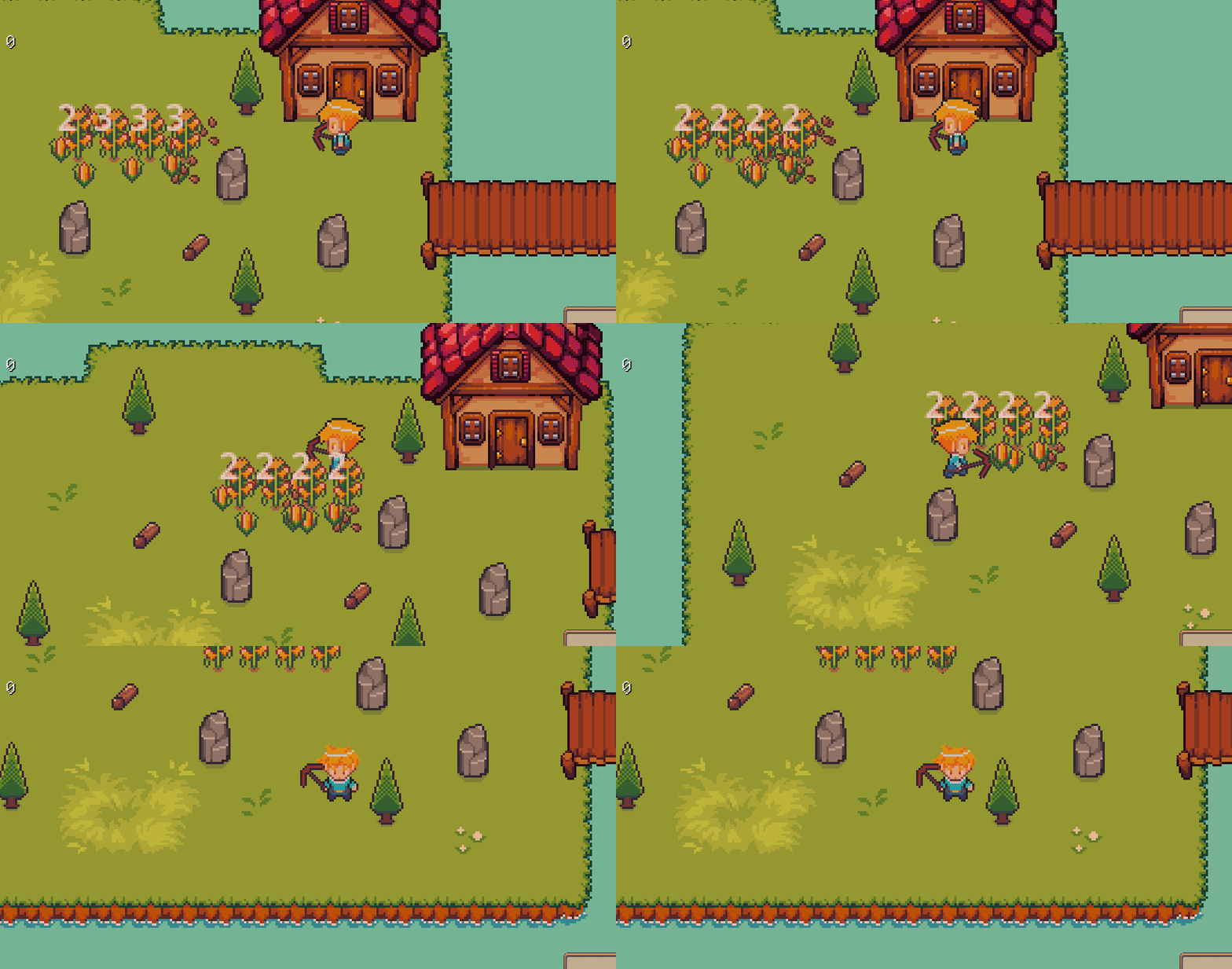
- 0.4 Demo, Inventory Access, and Interactable ObjectsFeb 20, 2025
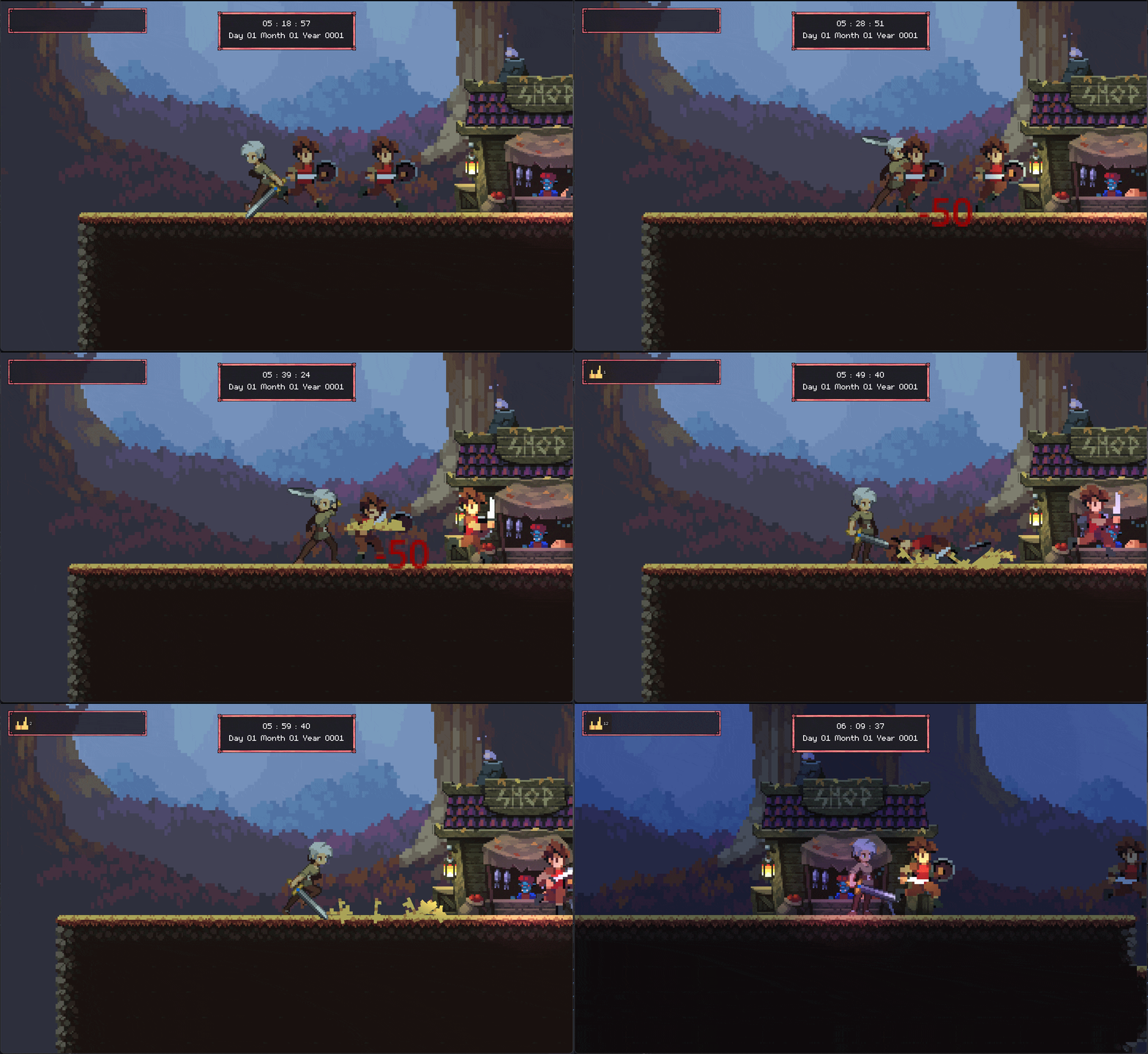
- 0.3 & 0.3.1 Enemy Item Drops & Signal Bus UpdateFeb 25, 2024
Comments
Log in with itch.io to leave a comment.
Not sure where is best to contact you. The code runs through with no errors, but never actually spawns anything into the game world.
I can spawn items from my loot chest no problem with the same scene I use in your DropsComponent.
when I call the " drops_component.spawn_drops(1.0) "
nothin is spawned into the world. Any help would be great thanks.
The spawn point when the code is run shows the correct spawn location as well
drops_to_spawn in the DropsComponent also shows the correct packedscene
However, after the code is run and checking the child count in the PickupsGroupNode, it is still 0
Any help here would be spectacular thanks.
So I tracked down the issue. As the only spawner that now works appears to be the spawn_scene_at_point
That chunk was however missing the add_child(instance)
just added that and it works great.
In process of a move at the moment but if you ping me on https://discord.com/invite/vxMuaeZd I can help out if you run into any other issues next week
Appreciate that thanks. I got it all sorted with the parent call and all as well. My smooth brain sometimes needs a little longer than some to wrap my head around some one elses' code lol
spawn_parent.call_deferred("add_child", instance)
Again appreciate the response.
Cant wait for a tutorial on this add-on. Your videos on the grid_building and world_time made them really easy to implement.
Thanks it's going to come with an update to the plugin too. Trying to get it out there after this grid builder plugin update I'm working on atm.
Awesome, glad to hear it! Appreciate all the work you do!