Calendar Time – Game Calendar & Day/Night Plugin for Godot 4
Calendar Time 2.0 is a Godot 4 plugin for games that need real in-game calendars, exact clocks, day/night-ready time state, save/load-safe progression, UI templates, and optional object ageing.
Demo available now: use the demo button at the top of this page to try the shipped Calendar Time 2.0 demo. The polished 2.0 videos and screenshot set are coming soon.
Build games where time actually matters
Calendar Time is built for projects that need more than a simple timer. Use it for farming schedules, seasonal events, shop hours, NPC routines, day/night lighting, crop or object ageing, multi-calendar worlds, and save/load-safe time progression.
Version 2.0 replaces the older World Time branding with a cleaner Calendar Time architecture centered around a shared GameClock resource and a TimeHost driver node.
Good fit for
- Farming and life sims
- Survival crafting games
- RPG calendars, festivals, and timed events
- Shop schedules and NPC routines
- Colony or world simulation systems
- Day/night and seasonal ambience
Core features
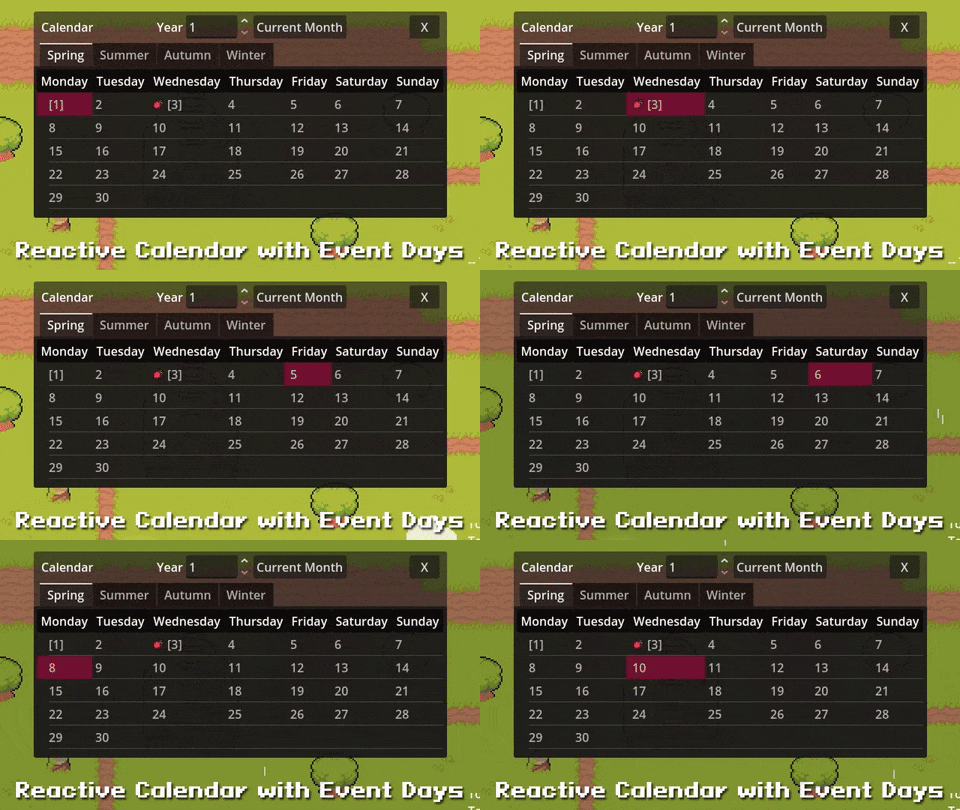
- Custom game calendars — model days, months, seasons, years, events, and custom date formats for your game world.
- Exact plugin-clock state — use integer-microsecond time state for exact plugin-clock saves and deterministic-friendly manual advancement.
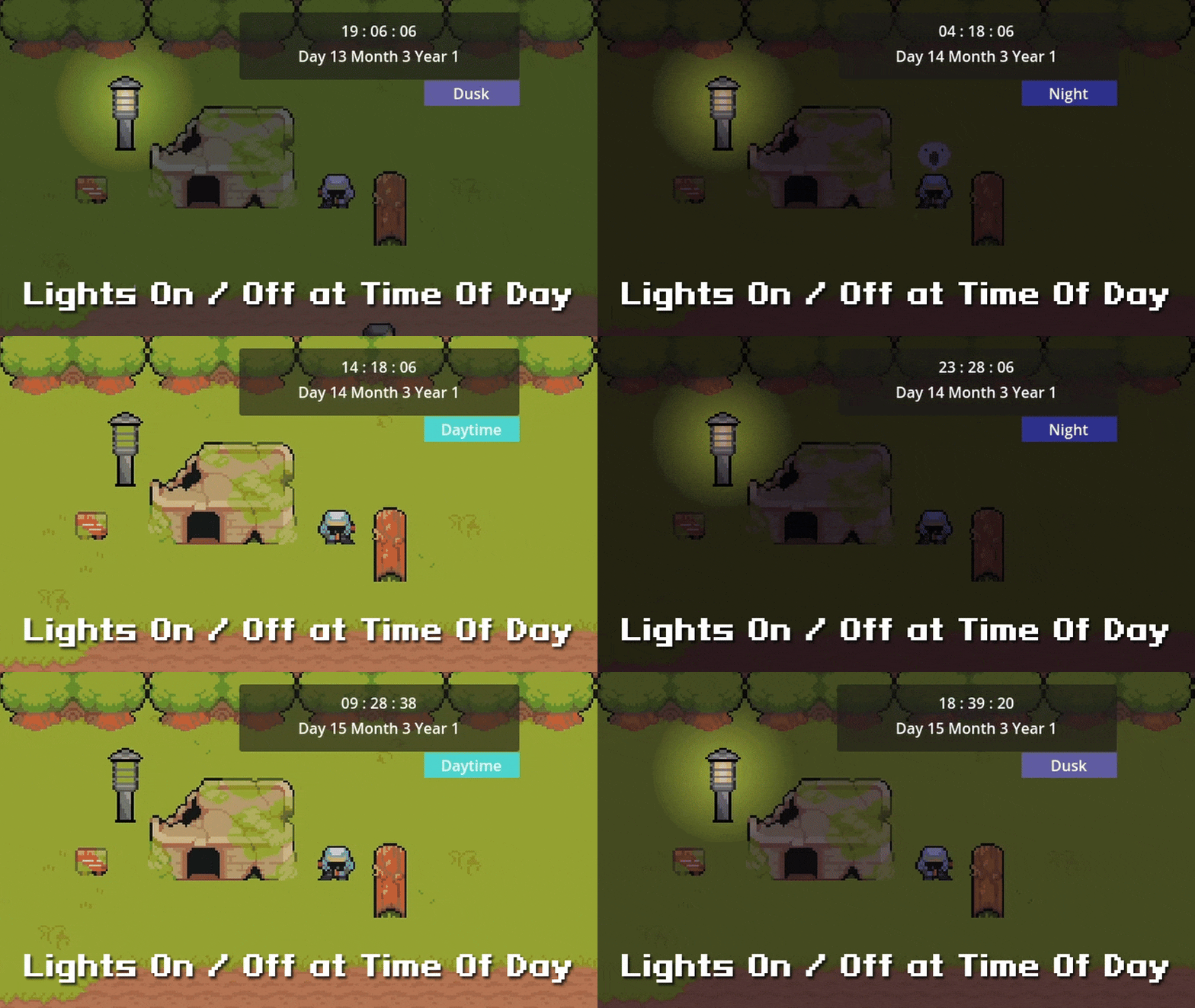
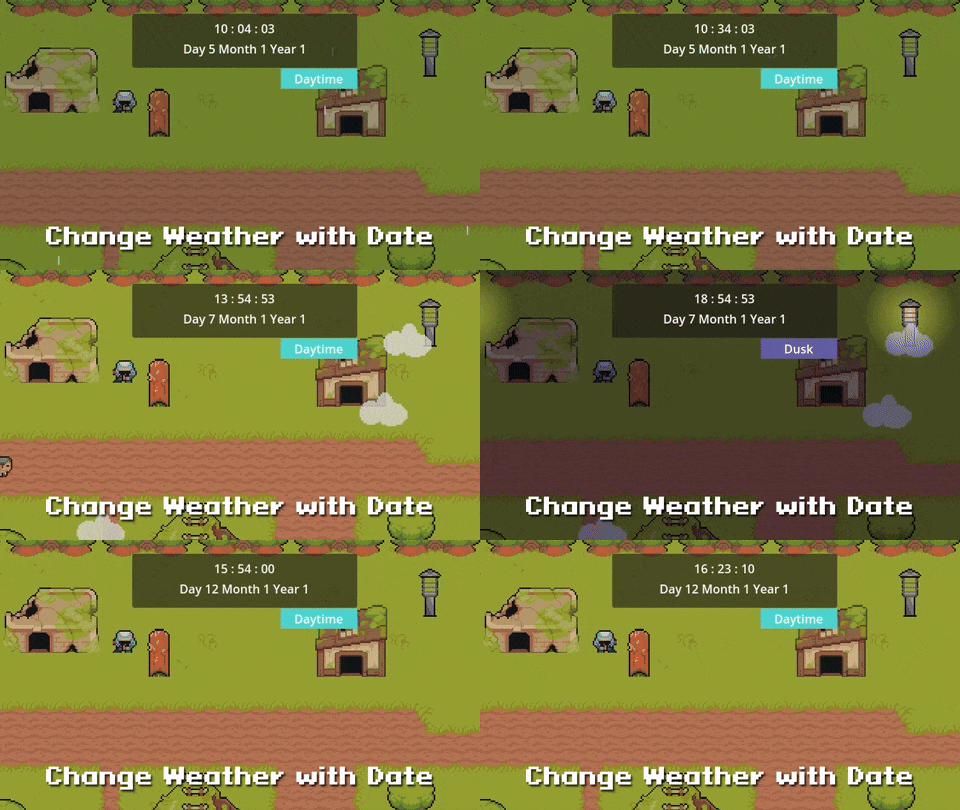
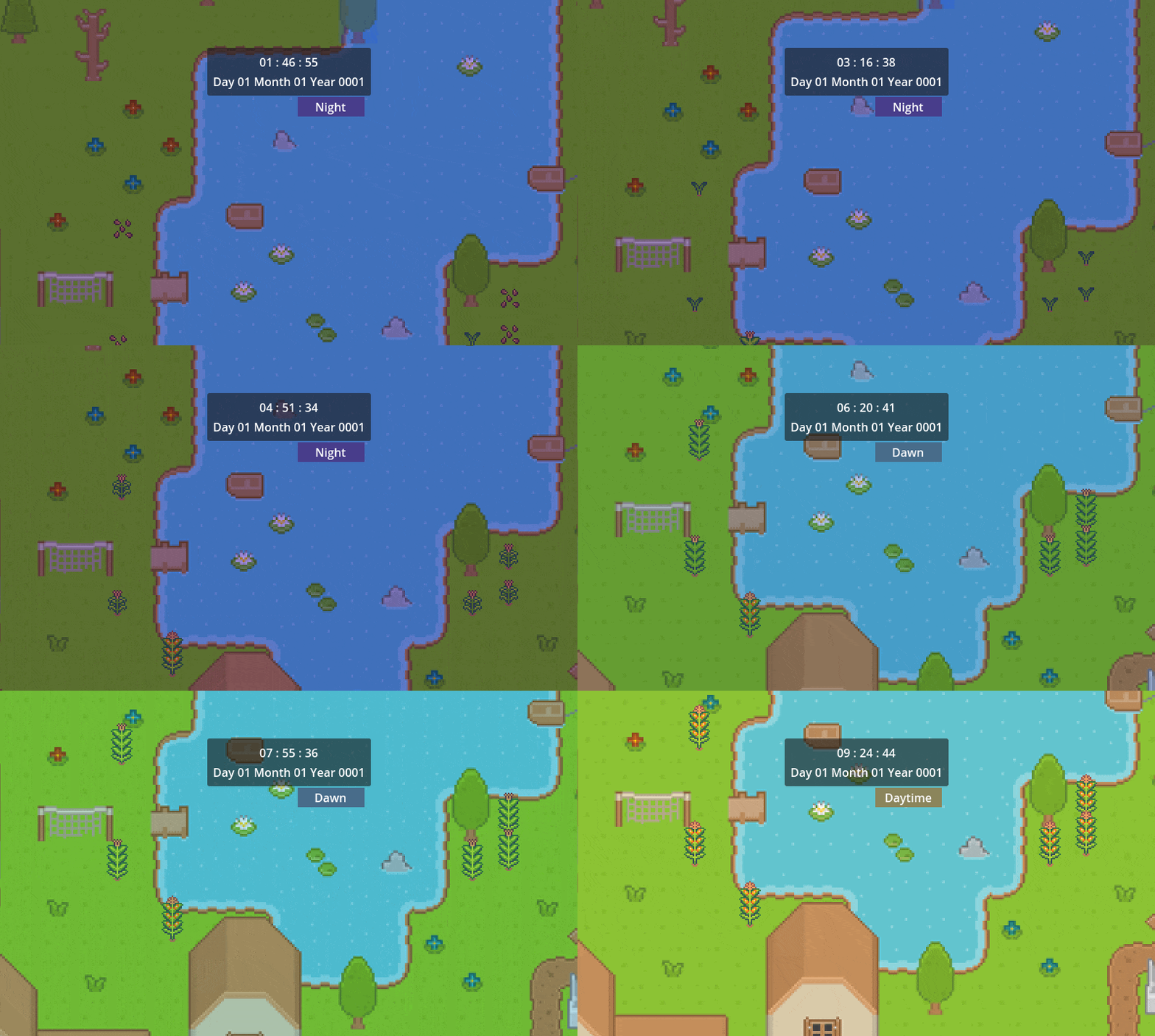
- Day/night transitions — drive time-of-day displays, directional lighting, tint changes, and event-day behavior from the same clock.
- Save/load-ready time — serialize per-clock state or a whole clock group, with stable clock IDs for reorder-safe saves.
- Multi-clock support — drive multiple clocks from one host and save/load them as a group.
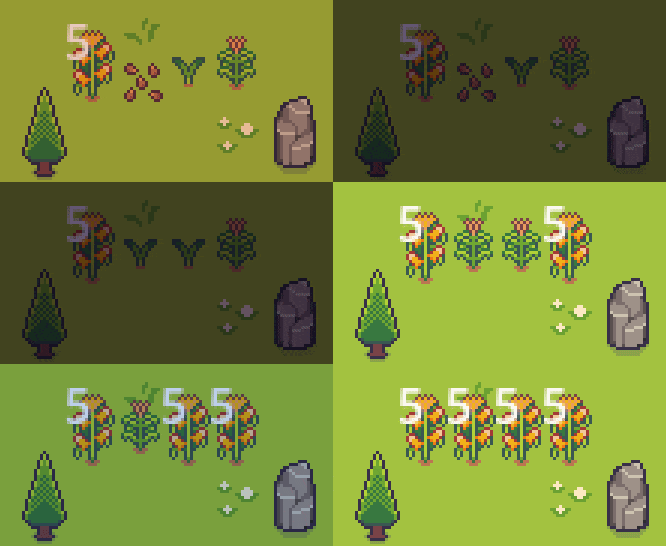
- Object ageing — use the optional age service for objects that progress over game time, such as crops, props, machines, or world-state changes.
What you get
- GameClock resource — the shared runtime clock with canonical integer microseconds, calendar state, signal bus, save/load, and optional age service.
- TimeHost node — advances one or more clocks from Godot process, physics process, or manual drive mode.
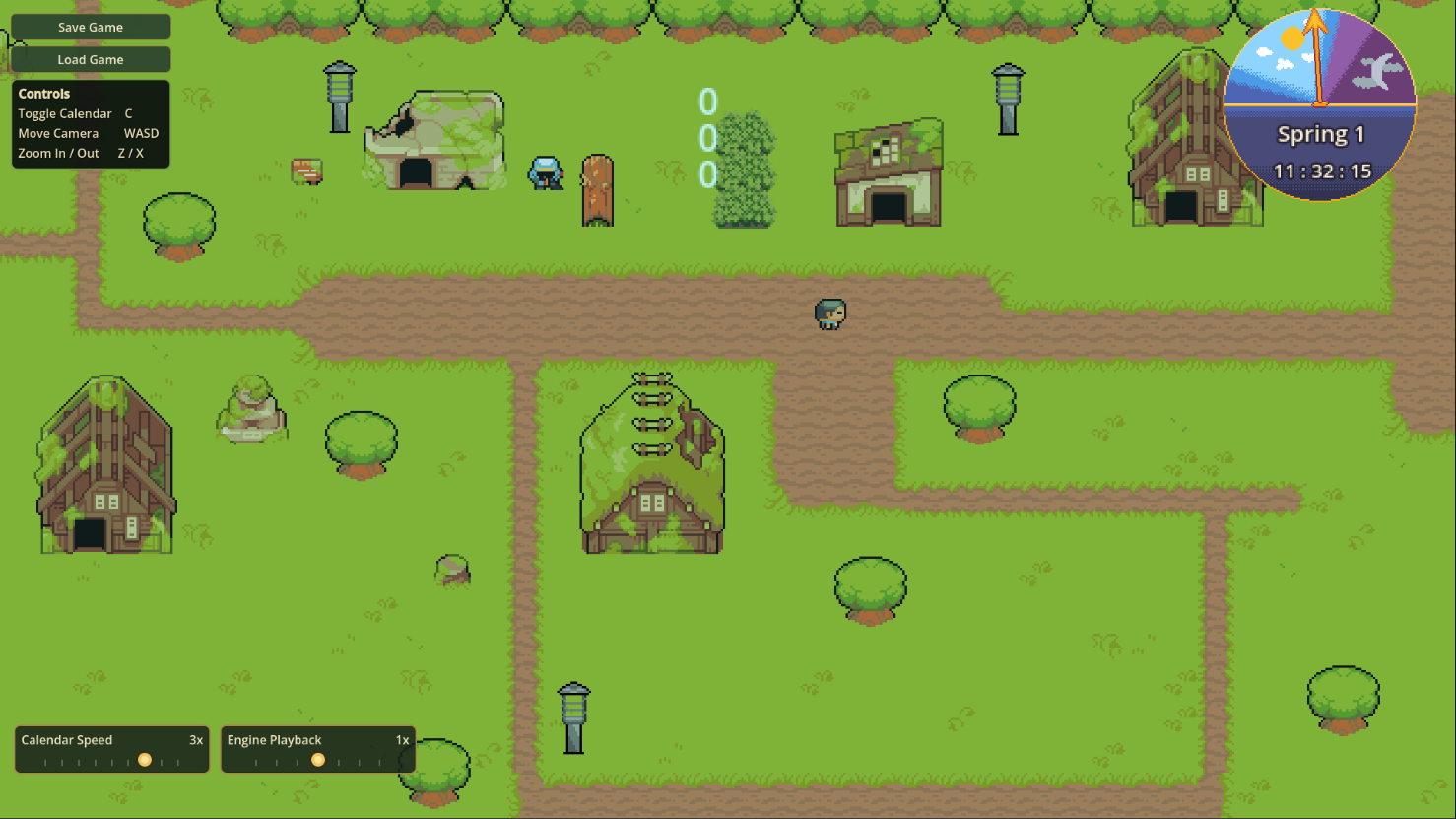
- Template UI scenes — date/time displays, minimal display, time-of-day display, month calendar display, time dial, and engine time-scale controls.
- Starter resources — bundled calendar and clock resources you can duplicate and adapt for your game.
- Standalone demo project — extract, open in Godot, and press Play to see setup, calendar UI, day/night behavior, save/load, and ageing in action.
- Migration docs — upgrade notes for projects moving from the older World Time naming and API.
Demo code without API bloat
The demo includes practical example code for UI, save/load, day/night behavior, and ageing behavior. Use or copy those patterns into your project as needed.
Not every demo helper is part of the main plugin API out of the box. That keeps the core plugin smaller for projects that do not need every demo-specific helper.
What’s new in 2.0
- Renamed from World Time to Calendar Time so the plugin name better matches what it does.
- Cleaner architecture: GameClock is the single runtime clock resource; TimeHost is the engine-to-game driver.
- Integer-microsecond clock core for save-exact time and deterministic-friendly manual advancement.
- Clock group save/load with stable clock IDs so adding, removing, or reordering clocks does not cross-load state into the wrong clock.
- Per-clock signal bus so UI and gameplay systems can bind directly to the clock they care about.
- Ageing renamed and cleaned up into the current AgeService / AgeComponent flow.
Determinism scope: Calendar Time gives you an exact plugin clock. It does not claim whole-game determinism for physics, AI, rendering, random number usage, or other external systems.
Fast setup
- Copy addons/calendar_time/ into your Godot project.
- Enable the plugin in Project Settings → Plugins → Calendar Time.
- Copy the optional templates/calendar_time/ folder for the ready-made services scene, resources, and UI.
- Instance calendar_time_services.tscn, assign or duplicate a GameClock, and point UI templates at the same clock.
Upgrading from World Time / 1.x
Calendar Time 2.0 is a major update with renamed classes, scenes, properties, and plugin branding. Existing World Time projects should read the migration guide before replacing files.
Back up your project before migration, especially if you have Inspector-assigned resources or custom save data.
- Code and Inspector references need a one-time rename pass.
- Pre-2.0 save files are designed to auto-migrate on load through the 2.0 save DTO path.
- Signals are consumed through clock.signal_bus instead of older direct-state patterns.
- Multi-clock saves use stable clock IDs rather than relying on array order.
Version and support notes
- Current version: Calendar Time 2.0.0
- Engine: Godot 4
- Language: GDScript source files included.
- Package contents: plugin source, optional templates, demo project, README, patch notes, and migration guide.
- Testing: the plugin is developed against GdUnit4 test coverage with release verification gates and demo proof runs before each release.
Commercial use and license
Commercial use in your games is allowed. Do not redistribute, resell, or publish the plugin source as a standalone asset, plugin, template, library, source package, or competing product. Read the posted license before download or purchase: Chris' Tutorials Plugin Asset License v1.
Bottom line
Use Calendar Time when your Godot game needs a real calendar/time backbone: readable UI, game-world dates, stable saves, day/night behavior, and time-driven object changes without building the entire system from scratch.
Purchase
In order to download this asset pack you must purchase it at or above the minimum price of $24 USD. You will get access to the following files:
Development log
- Calendar Time 2.0 Is Here: A Better Time System for Godot 4 Games7 hours ago
- v1.2.2 — Fixes for Calendar UI Sync & Day 1 Event TriggersMay 29, 2025
- v1.2.1 - Minor Fixes, 356/356 Tests PassingMay 23, 2025
- World Time 1.2.0 – Serializable Time and Age States, Refactored Core Logic, an...May 22, 2025
- 1.1.2 Ageing Demo, Improvements, and FixesFeb 05, 2025
- 1.1.1 Time DialFeb 04, 2025
- 1.1 Visual Calendar, Weeks, Event Days, and Event Response ScriptsJan 31, 2025
- 1.0.2 Starting Date HotfixAug 07, 2024
Comments
Log in with itch.io to leave a comment.
Hello, Loving the the plugin so far. Having trouble with adding calendar display and/or dial. I get invalid call. Nonexistent function 'get_game_year' in base 'Nil'. I have the calendar defined in inspector but appears to be null. Thank you!
Glad you like it and thanks for the report. I’ll look into the issue ASAP. I believe it sounds like the game calendar reference is missing, all objects that use it need the reference set in the inspector. Does the stack trace show which object is missing it? (Usually you can see the name of the script that was calling the calendar in the debug window) There may be multiple objects that need the reference set in the inspector so double check each one is set.
Thanks for me pointing me in the right direction! I forgot to put the time state in the month table.
No problem. Let me know if anything else pops up.
I just realized the error that popped up originally was also from when I loaded the GameTimeSystem in another scene from the main scene, GameTimeSystem did not load before CalendarDdisplay tried referencing it.
I just added "await get_node("../../WorldTimeSystems/GameTimeSystem").ready" to the func refresh in CalendarDisplay
Sounds like the system running before the dependencies were ready. Thanks that helps a lot. I’ll make sure to patch this issue soon.
Hey thanks for creating such seamless plugins!
Wanted to double check - are they all allowed to be used commercially after purchase? (World Time, Grid Builder, Item Drop, etc...)
Yes it is allowed to use each plugin for commercial usage in games. Just no repackaging and reselling of the source code itself. Update coming soon for World Time with a visual calendar, weeks, and event days among other improvements.
Edit: Added a license to the project. It's included in the latest version and also listed at the bottom of the store page post (above comments section)